
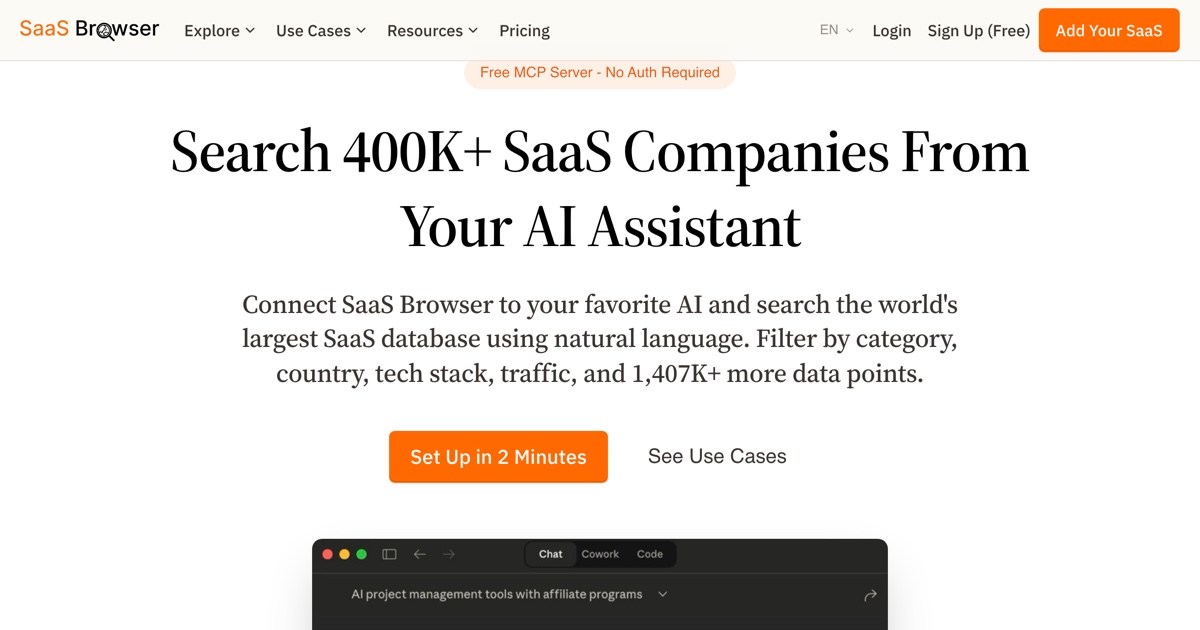
You can now search SaaS Browser's entire database of 400,000+ companies directly from your AI assistant - no browser tab required.
We've added support for the Model Context Protocol (MCP), an open standard that lets AI tools like Claude, ChatGPT, and Gemini query external data sources natively. That means you can ask your AI assistant a natural-language question and get structured, real-time results from SaaS Browser.
What You Can Do
We expose four tools through MCP:
1. Search SaaS Companies - The full power of our advanced filters, accessible via conversation. Ask things like "Find AI-powered project management tools with affiliate programs in the US" or "Show me SaaS companies with 500+ employees using React." Free accounts get 10 results per page across 10 pages; subscribers get up to 100 per page and can page much deeper.
2. Find Alternatives - Give it any domain and get competing products instantly. "What are the alternatives to Slack?" returns up to 25 alternatives with descriptions and profile links.
3. Search Categories - Discover the right category IDs to refine your searches. "What categories relate to HR?" returns matching categories you can use in follow-up queries.
4. Search Technologies - Find SaaS by tech stack. "Which technologies relate to Ruby?" returns technology IDs with usage counts across our database.
Metrics and Sorting for Subscribers
Every result includes the name, description, features, category, country, pricing and a link to the company's SaaS Browser profile. Subscribers get the numbers behind them too: domain rating, domain rating growth per month, employee count, year founded, sitemap size, publication date, growth model, and the full detail of any affiliate or bug bounty program.
Those metrics change what you can ask for. Sorting is where it shows most - you can order results by domain rating, domain rating growth, employees, company age, sitemap size, publication date, affiliate commission, or bug bounty payout, in either direction. Asking for the fastest-growing marketing tools founded in the last three years is a single question rather than an afternoon of filtering, and your assistant can rank, compare and summarize the answer without you leaving the conversation.
Who It's For
For Researchers and Analysts: Instead of manually toggling filters in a browser, describe what you're looking for in plain English. Your AI assistant translates that into precise queries and returns structured results you can reason about, export, or dig deeper into - all within the same conversation.
For Developers: If you're building tools, dashboards, or workflows that need SaaS market data, MCP gives you a clean integration path. Query our database programmatically through any MCP-compatible client.
For Investors: Combine SaaS Browser data with your AI assistant's analytical capabilities. Ask it to find companies matching your thesis, compare market segments, or identify gaps - all in one conversation thread.
For Marketers: Build targeted prospect lists conversationally. "Find B2B SaaS in the UK with fewer than 50 employees that have an affiliate program and are using Stripe" - one prompt, structured results.
How to Set It Up
Point your AI assistant's MCP configuration to https://saasbrowser.com/mcp. The first time it connects, it will open your browser and ask you to sign in to SaaS Browser and approve the connection - your assistant never sees your password, and you can disconnect it again at any time. A free account is enough to start searching. Full setup instructions are available on our MCP page.
The future of SaaS research is conversational. Get started →